See ArcisCharts in action: 10 features explained
Watch ArcisCharts in action: ten features, from a chat-controlled tour to weekly setups, indicators, order flow, agents and a news agent. Only a few founding spots left.
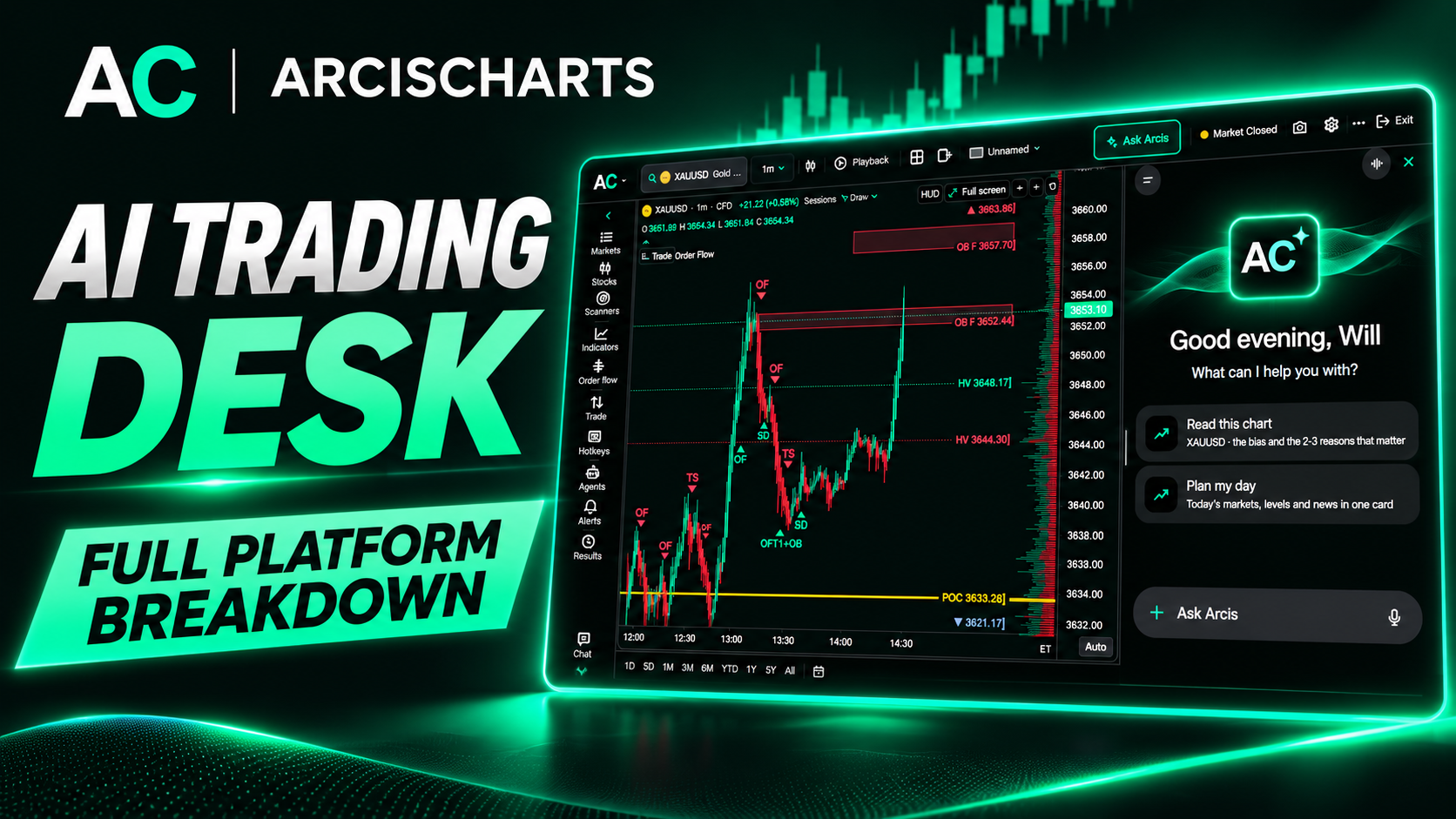
Watch the full walkthrough
I spent 12 months building ArcisCharts, the AI trading desk behind ArcisAI. This is the raw, unedited walkthrough, ums and all. The idea is simple: you control the whole platform from a chat box. Type it, or say it out loud.
You can also connect it to ChatGPT, Claude or Grok and run it from your phone.
Prefer to jump around? Use the chapters on the full YouTube walkthrough. Below is what each of the ten features actually looks like in action.
1. Tour the whole platform by chat
Ask Arcis for a tour, and it opens each panel in turn. The strength meter, the indicator library, drawing tools, the strategy tester, agents and alerts. No hunting through menus. One message, and the platform walks you around itself.
2. Find the week's setups in one sentence
Every trader knows the slow part of the week: flicking through chart after chart, hunting for ideas. With Arcis you just ask. Find me the best trading setups for the week ahead, in forex and gold. Seconds later you get a short list, each one with the zone, the entry, the stop, the targets and a clear trigger. From there you can have the platform alert you, pre-fill the order ticket, or build a trading agent for that setup.
3. Plan your trading day from one prompt
Go one step further and say, plan my trading day. Arcis works through the pairs on your list, marks the key levels on each chart, and drops a session plan into the chat: the bias, then the setups, best first. When you are done, one message clears the drawings and alerts, ready for the next idea.
4. 165 indicators, already in the platform
Open the library and you get a search box and the full list: over one hundred and sixty five indicators and concepts, ready to add with one click. That includes the founder's own tools, built up over years of trading, such as Day Trader X, Arcis Supply and Demand, Arcis Pro and Arcis X. It is built for forex, and it is built for stocks too.
5. Order flow signals
Open the order flow panel on any chart, here it is gold, and Arcis reads the history for you. It finds a setup on each time frame, and you can put the signals on the chart, set an alert, or build an agent. You can also open the full order flow workstation, with the levels and signals in one place. These are simulated results from history, not a promise of future returns.
6. The research studio
The research studio tests setups and settings for you and lays the results out in one ranked table, so you are not jumping between spreadsheets and charts. Pick a time frame, choose a market, and you can stress test an idea with a Monte Carlo simulator and an account simulator, based purely on past data. Simulated results from history, not a promise of future returns.
7. Agents, playbooks and playback
There are over two hundred playbooks built into the platform. Testing every one by hand would take forever, so just ask Arcis to find a system. It shortlists, tests, and loads the winner for playback. Then you press play and watch it trade through the week, candle by candle, with every entry marked as it happens. It never activates anything on its own, so you stay in control. Simulated results from history, not a promise of future returns.
8. Build an Elliott Wave indicator by chat
Ask Arcis to be creative and build a swing trading indicator using Elliott Wave, for gold. You can type it or say it. Arcis writes the indicator from scratch while you watch, draws it on the gold chart, and then explains how it is counting the waves. Bring your own ideas, and Arcis can turn them into indicators, systems and trading agents inside the platform.
9. Twelve charts and custom workspaces
Open up to twelve charts at once, each on a different range, and sync them so they move as one. Save your own workspaces too: a top-down layout for analysis, a gold layout, a small caps layout. One click, and your whole screen is set up. When you want to focus, go back to a single pane. Order flow tools such as the delta strip, the depth of market ladder, large prints and the flow radar can be moved anywhere on the platform.
10. Your screen, your way, plus the AI news agent
Go full screen, hide the navigation, turn on London, New York and Asia sessions, and pick from lots of candle types and time frames, including tick charts and custom ones. Every market panel is detachable. And then there is the ArcisAI news agent, constantly scrolling the market for you. Set alerts for news, pick your assets, check the calendars, and let agents watch for news on your markets around the clock.
Why it is built this way
Speed and ease. Building agents, automation, indicators and systems, all from a simple prompt in the Arcis chat. And you can run it from your own AI.
Founding offer
Only a few founding spots left. Grab a founding spot.
More from ArcisAI at arcistrade.tech and ArcisCharts at arcistrade.tech/charts.
Trading carries a high risk of loss. This is education, not financial advice. Simulated or past results do not guarantee future results.
Common questions
What is ArcisCharts?
ArcisCharts is the AI trading desk behind ArcisAI. You control the platform from a chat box, in plain English, including setups, indicators, research, agents and news.
Can I control ArcisCharts from ChatGPT or Claude?
Yes. You can connect Arcis to ChatGPT, Claude or Grok with the Arcis skill and plugin, and control the platform from your phone.
Where can I watch the full walkthrough?
The raw 28 minute founder walkthrough is on YouTube at https://youtu.be/_KpkewJ-ZaA.
Is the founding offer still open?
Only a few founding spots left. You can grab a founding spot at https://www.arcistrade.tech/black-friday/.